
Wearables, Earbuds, and Accessories: How Companion Devices Connect to Your Phone
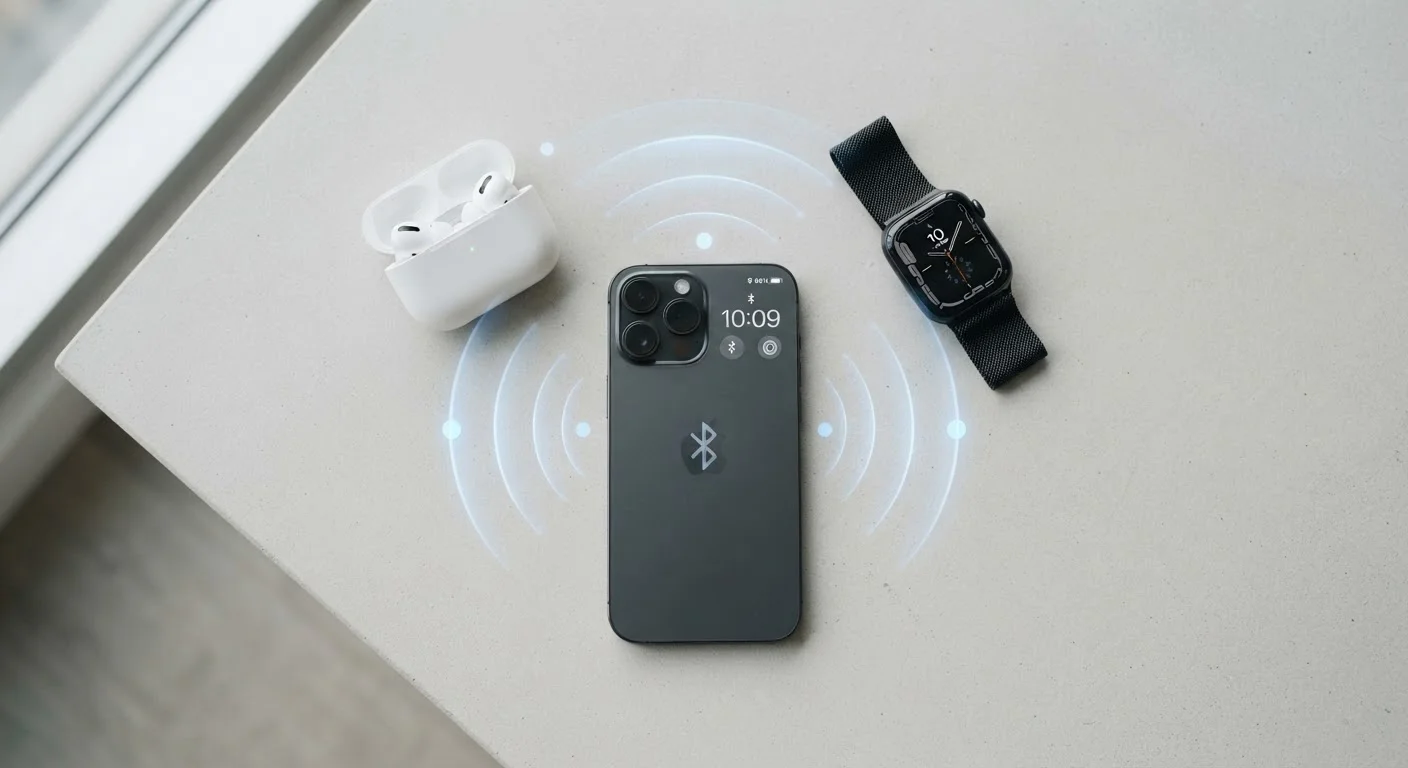
Photo credit: SearchLynk.net | Search Made Easier
In this article
Bluetooth profiles, codec support, and pairing limits explained—so you understand what's happening when devices talk to each other.
Key Takeaways
- Bluetooth profiles determine what a paired device can actually do with your phone.
- Audio codecs affect sound quality - both devices must share the same codec for it to be used.
- Most phones can stay paired to many devices but actively connect to only a few at once.
- Pairing and connecting are two different things - pairing is a one-time handshake, connecting is the live link.
- Low Energy Bluetooth (BLE) is used by fitness trackers and health sensors to preserve battery life.
- Wi-Fi and ultra-wideband (UWB) are increasingly used alongside Bluetooth for specific accessory features.
Pairing vs. Connecting: Two Steps Most People Conflate
When you put your earbuds into pairing mode for the first time and they appear on your phone's Bluetooth list, that process is called pairing. Your phone and the earbuds exchange a small credential - sometimes called a key - and store each other's identity. This is a one-time event per device.
Connecting is what happens afterward, every time you open the case or turn the accessory on. The phone and device recognize each other and establish a live communication channel. If a connection fails, it's usually not a pairing problem - it's a connection problem, caused by range, interference, or the phone prioritizing a different saved device.
Understanding this distinction saves real troubleshooting time. If your earbuds won't connect, forgetting the device and re-pairing is often unnecessary. A simple Bluetooth toggle or manual reconnect from the phone's settings does the job in most cases.
Reconnection Troubleshooting in 30 Seconds
Before you forget a device and start over, try this sequence: toggle Bluetooth off on your phone, wait five seconds, and toggle it back on. Then open your earbuds case or power-cycle the accessory. In most cases, the devices will reconnect automatically within a few seconds. Forgetting and re-pairing should be a last resort, not a first step.
Bluetooth Profiles: What They Allow Devices to Actually Do
Bluetooth isn't a single pipe that transmits everything - it's a protocol with specialized sub-specifications called profiles. Each profile governs a specific type of interaction between devices. Two devices must share a profile to use the functionality it covers.
- A2DP (Advanced Audio Distribution Profile): Streams stereo audio from your phone to earbuds or speakers. Required for music playback.
- HFP (Hands-Free Profile): Handles two-way audio for phone calls. This is why some headphones sound different for calls than for music - they switch profiles.
- AVRCP (Audio/Video Remote Control Profile): Lets the accessory control playback - play, pause, skip, and volume.
- GATT (Generic Attribute Profile): The foundation for BLE accessories like fitness trackers, used to send structured sensor data such as heart rate or step counts.
Most consumer earbuds support all the above. Where differences emerge is in audio codec support, which sits on top of A2DP and directly affects sound quality.
3×
More audio data vs. SBC baseline
Sony's LDAC codec is specified to transmit up to approximately three times more data per second than the SBC baseline codec, according to Sony's published specifications.
~30 ft
Typical Bluetooth effective range indoors
Bluetooth Class 2 - the standard in consumer earbuds and smartwatches - has a nominal range of around 33 feet (10 meters), though walls and interference reduce this in real environments.
7
Maximum simultaneous classic Bluetooth connections
The Bluetooth specification allows a primary device (master) to maintain up to seven active connections in a piconet, though audio performance typically degrades before that limit is reached.
Audio Codecs: The Hidden Factor in Sound Quality
A codec (coder-decoder) compresses audio data for wireless transmission and decompresses it at the receiving end. Because Bluetooth has limited bandwidth compared to a wired connection, the codec determines how much audio information survives the trip.
SBC is the universal baseline - every Bluetooth audio device supports it, which means it's the fallback when two devices don't share a higher-quality option. It works, but it's the lowest common denominator. AAC is widely used on iPhones and offers a noticeable quality improvement. aptX and aptX HD are common on Android devices and compatible accessories. LDAC, developed by Sony, transmits roughly three times more data than SBC and is supported across many Android phones.
The key rule: both your phone and your accessory must support the same codec for it to be used. Checking codec compatibility is worthwhile if audio quality matters to you - it's listed in the specs for both your phone and your earbuds. For a broader look at what phone hardware specs mean in practice, see our plain-English hardware reference.
Beyond Bluetooth: Wi-Fi, UWB, and NFC in Accessories
Bluetooth handles most companion device connections, but it isn't the only radio at play. Several accessories use additional wireless technologies for specific purposes.
Wi-Fi is built into many smartwatches, allowing them to sync notifications and data when they're out of Bluetooth range - such as when your phone is in another room. Some wireless earbuds with built-in voice assistants also use Wi-Fi for certain features.
Ultra-Wideband (UWB) is a short-range, high-precision technology that allows devices to determine their relative position with centimeter-level accuracy. It powers spatial audio features that adjust sound based on head orientation, and it's the backbone of precision tracking accessories that can tell you not just that your keys are nearby, but exactly which direction to walk.
NFC (Near Field Communication) is used for quick-pairing - tapping an accessory against your phone to initiate a Bluetooth pairing instantly, rather than navigating menus. It's a convenience layer, not the ongoing connection method. For a related look at how wireless technologies intersect in everyday phone use, the connected home device explainer covers infrastructure requirements worth knowing.
Pairing Limits and Managing Multiple Devices
A common frustration: you own earbuds, a smartwatch, and a fitness tracker, and they don't all behave predictably when you switch between devices. Here's why.
Your phone stores a pairing list - a registry of devices it recognizes. That list can typically hold dozens of entries. But the number of active simultaneous Bluetooth connections is much smaller. Classic Bluetooth (the kind used for audio) generally supports up to seven active connections, though in practice most phones handle two to four comfortably before experiencing latency or dropout issues.
Some earbuds address this with multipoint Bluetooth, which maintains active connections to two phones at once - useful if you carry a personal and a work device. Smartwatches typically maintain a persistent, low-power BLE connection to one phone at a time and aren't designed to switch between phones easily.
Managing this well means being intentional about which devices auto-connect and turning off Bluetooth on devices you're not using to reduce competition for the phone's connection capacity. This is also relevant when understanding your phone plan's connected-device features - concepts covered in our wireless plan jargon guide.
Bluetooth Versions and Backward Compatibility
You'll see Bluetooth version numbers - 5.0, 5.3, etc. - in device specs. Newer versions generally improve range, speed, and connection reliability, and they're backward compatible, meaning a Bluetooth 5.3 phone will still connect to a Bluetooth 4.2 accessory. The version number doesn't determine which profiles or codecs are supported - those are separate specifications that manufacturers choose to implement independently of the Bluetooth version.
Frequently Asked Questions

Author
Tech & Telecom Editorial Team
Tech & Telecom Editorial Team is the collective byline for our editorial team and contributor network. Articles published under this byline or an editorial pen name are researched, written, and reviewed according to our editorial standards for clarity, consistency, and independence before publication.
View all articles →