
Always-On Displays, Refresh Rates, and Brightness: How Screen Features Shape Daily Use
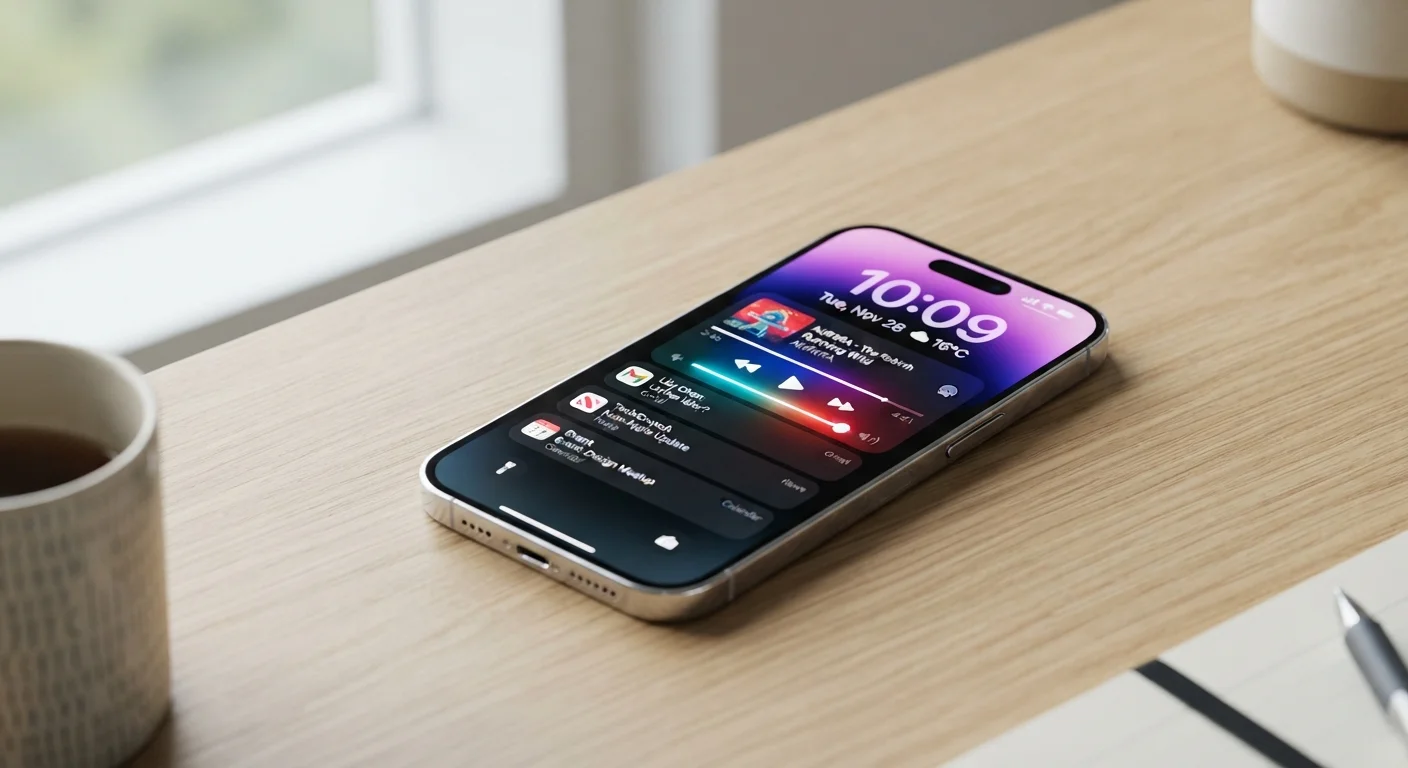
Photo credit: SearchLynk.net | Search Made Easier
In this article
Screen specs go far beyond resolution. Learn which display features genuinely affect readability, eye comfort, and battery life.
Key Takeaways
- Refresh rate determines how smooth motion and scrolling look - higher rates reduce visual stutter.
- Always-on displays only work efficiently on OLED panels, where unpowered pixels use no energy.
- Peak brightness is what matters outdoors; sustained brightness governs everyday indoor reading.
- Higher refresh rates consume more battery, but adaptive refresh technology can offset this trade-off.
- Brightness and color accuracy affect eye comfort more than resolution for most daily reading tasks.
Why Screen Specs Deserve More Attention Than Resolution
When most people evaluate a phone or tablet screen, they focus on resolution - 1080p, 4K, or pixel density. Resolution matters, but for everyday readability and comfort, three other specifications have a more direct impact: refresh rate, peak brightness, and whether the display supports always-on functionality. Understanding these three features helps explain why two screens with identical resolution can feel completely different in practice.
For a broader look at how hardware numbers translate to real-world experience, see our guide to smartphone specs decoded - it covers how nits, hertz, and other figures connect to daily use.
120Hz
Common high refresh rate on flagship phones
Many flagship smartphones now ship with 120Hz or higher adaptive displays, up from the 60Hz standard that was universal just a few years ago.
1-5%
Estimated daily battery impact of AOD on OLED
Industry testing has generally found always-on displays add a modest battery overhead on OLED devices, compared to a much larger drain on LCD panels.
800+ nits
Brightness threshold for outdoor readability
Display testing commonly places the practical threshold for comfortable direct-sunlight reading at around 800 nits of sustained brightness.
Refresh Rate: The Spec That Controls Smoothness
Refresh rate measures how many times per second a screen redraws its image, expressed in hertz (Hz). A 60Hz display redraws 60 times per second; a 120Hz display does so twice as often. The practical effect is visible in scrolling, swiping, and animation - higher refresh rates make motion look noticeably smoother and reduce the blurring effect during fast movement.
For most static tasks - reading an article, viewing a photo, composing an email - the difference between 60Hz and 120Hz is imperceptible. The benefit becomes most obvious in fast-scrolling feeds, gaming, and UI navigation.
Adaptive refresh rate is a refinement found on many modern devices. The display automatically scales refresh rate up or down depending on what's on screen - dropping to 1Hz or 10Hz during static content and jumping to 90Hz or 120Hz during scrolling. This approach preserves battery life without sacrificing the smooth experience when it's needed.
Check Both Peak and Sustained Brightness
When comparing devices, look for sustained brightness figures alongside peak numbers. A screen advertised at 2000 nits peak may only sustain 600-800 nits during typical use. Sustained brightness is the figure that governs your everyday reading experience, not the headline number.
Always-On Displays: Convenience With a Catch
An always-on display (AOD) keeps a minimal set of information - time, date, notification icons, or a simple pattern - visible on screen even when the device is locked and idle. The goal is to let users check the time or see a notification without waking the full display.
AOD works efficiently only on OLED and AMOLED panels, which power each pixel individually. Showing a dark clock face on an OLED screen means most pixels remain completely off, drawing almost no power. LCD screens use a backlight that illuminates the entire panel - making AOD on LCD a significant battery drain.
If you're evaluating a device primarily for reading or extended screen time - such as a tablet - the panel technology underlying AOD is worth checking. Our article on tablet advantages and limitations explores how display choices shape the tablet experience more broadly.
Brightness: Nits, Outdoors, and Eye Comfort
Screen brightness is measured in nits. A higher nit count means a brighter possible output, which is essential for making content readable in direct sunlight. However, there are two distinct brightness figures worth understanding:
- Peak brightness - the maximum the screen can achieve, typically only sustainable for short periods during HDR content or outdoor mode.
- Typical (sustained) brightness - what the screen maintains during normal indoor use, usually significantly lower than the peak figure.
For indoor use, sustained brightness in the range of 400-600 nits is generally comfortable. Outdoor legibility becomes challenging below roughly 800 nits in direct sunlight. Marketing materials often emphasize peak figures, so it's useful to look for both values when comparing devices.
Brightness also intersects with eye comfort. Screens that adjust automatically to ambient lighting - auto-brightness - reduce the effort of manual adjustment and help prevent screens from being too bright in dark environments or too dim outdoors. Color temperature settings (often labeled as a night mode or warm display option) further affect how comfortable a screen feels during extended use.
Putting It Together: What Actually Matters for Your Use
No single display feature exists in isolation. Refresh rate, always-on capability, and brightness interact - and each involves trade-offs, particularly around battery life. A 120Hz panel with AOD enabled and high brightness draws considerably more power than the same phone running at 60Hz with the display off between checks.
The right balance depends on how you use your device. Heavy scrollers and mobile gamers benefit most from high refresh rates. Commuters who need a quick time-check without unlocking their phone will appreciate AOD on an OLED panel. People who work frequently outdoors should prioritize peak brightness and auto-brightness responsiveness above other display features.
These considerations apply equally to tablets and phones. If you're weighing form factors, our piece on tablet vs. laptop for different lifestyles addresses how display characteristics factor into that decision. For a full glossary of hardware terms, the plain-English hardware reference is a useful companion.
Frequently Asked Questions

Author
Tech & Telecom Editorial Team
Tech & Telecom Editorial Team is the collective byline for our editorial team and contributor network. Articles published under this byline or an editorial pen name are researched, written, and reviewed according to our editorial standards for clarity, consistency, and independence before publication.
View all articles →