
Tablet or Laptop: Understanding Which Form Factor Fits Different Lifestyles
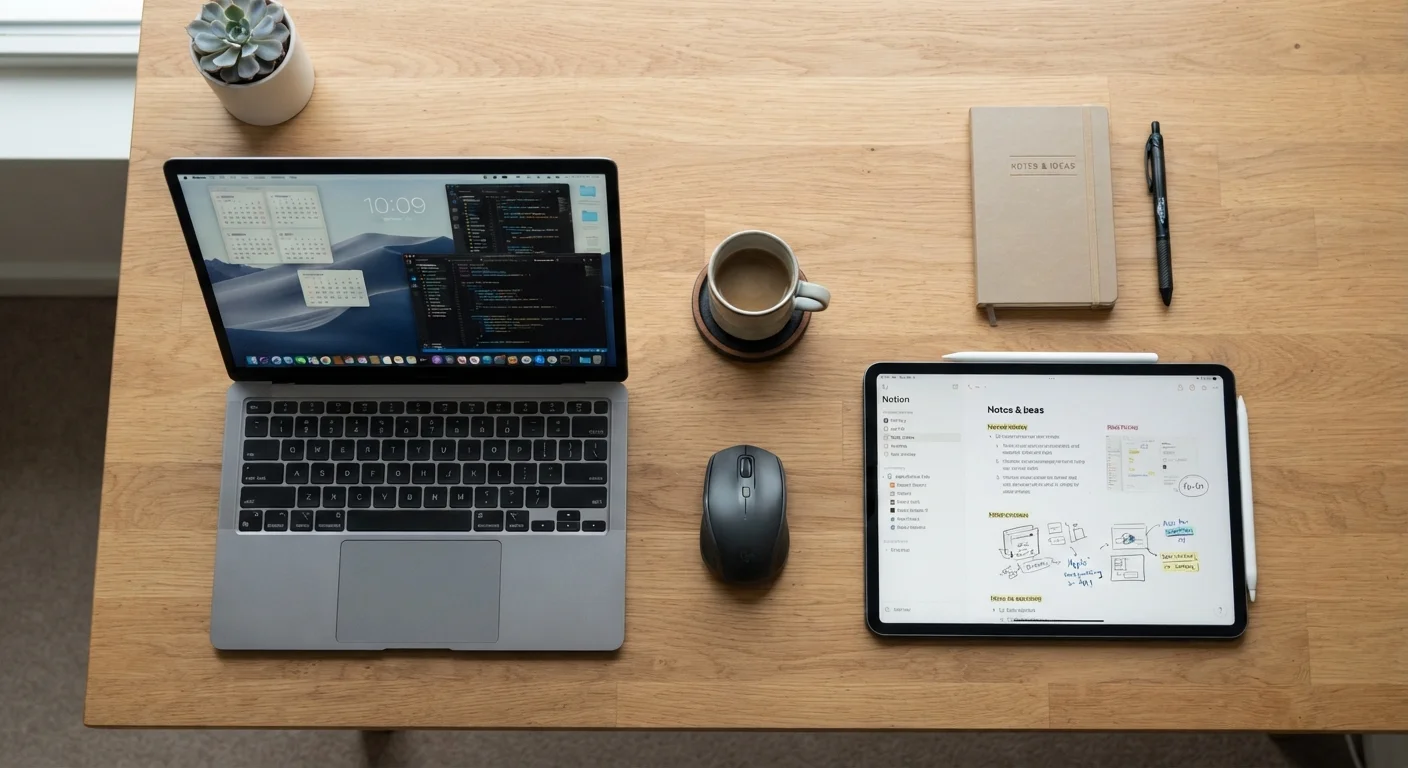
Photo credit: SearchLynk.net | Search Made Easier
In this article
Tablets and laptops overlap more than ever. Here's how to think through which one suits how you actually work and live.
Key Takeaways
- Tablets excel at portability, media consumption, and touch-first tasks; laptops lead in sustained productivity.
- The gap in capability has narrowed, but keyboard-intensive work still favors a traditional laptop.
- Accessories like detachable keyboards can blur the line, but add cost and weight to tablets.
- Your primary use case - not marketing claims - should drive the decision.
- Many households find value in owning both, but one device can genuinely cover most needs for the right user.
Why the Comparison Is More Complicated Than It Used to Be
A decade ago, the tablet-vs-laptop question had a fairly clean answer: tablets were for consuming content, laptops were for getting work done. That line has blurred considerably. Modern tablets can run desktop-class apps, connect to external monitors, and pair with full keyboards. Meanwhile, many laptops have shed weight and added touchscreens. The decision now requires a more honest look at how you actually use a device - not just what each one can theoretically do.
Understanding the underlying hardware that powers these devices helps clarify the comparison. Our plain-English reference on storage, RAM, and processing power explains the core specs you'll encounter on both tablets and laptops, which makes evaluating any specific model considerably easier.
Where Tablets Genuinely Shine
Tablets have real, durable advantages that no amount of laptop thinning can fully replicate. Their touch-first interfaces, lighter weight, and instant-on behavior make them well suited to specific lifestyles and tasks:
- Reading and media consumption: Holding a tablet like a book or propping it up for video is simply more comfortable than a laptop in many settings - on a couch, in bed, or during a commute.
- Portability for light users: If your daily device needs are email, browsing, video calls, and note-taking, a tablet can cover those tasks while being significantly easier to carry.
- Creative and stylus work: Digital artists and note-takers who prefer handwriting often find tablet stylus input more natural than any trackpad-and-mouse workflow.
- Children and older adults: The simplified, touch-based interface of a tablet tends to have a lower learning curve for users who aren't comfortable with traditional computer interfaces.
Factor In Accessories Before Comparing Prices
A tablet listed at a lower price than a laptop may end up costing more once you add a keyboard case, stylus, and necessary adapters. Before comparing price tags, list out the accessories you'd realistically need for each option and include those in your total. That's the number worth comparing.
One honest caveat: pairing a tablet with a quality keyboard case and a stylus can push its price well past what a mid-range laptop would cost. Factor accessories into any cost comparison, not just the device price alone.
Where Laptops Still Hold the Advantage
Despite the progress tablets have made, laptops retain meaningful advantages for users whose work is keyboard-intensive or software-dependent:
- Extended typing: Writing long documents, coding, and spreadsheet work are faster and less fatiguing on a physical keyboard with a stable, fixed screen.
- Software compatibility: Some professional and specialized software - including many legacy business tools - runs only on full desktop operating systems. Tablet operating systems, while powerful, remain more restricted in certain application categories.
- File management and multitasking: Juggling multiple windows across complex workflows is still handled more intuitively on a laptop's full operating system.
- Peripheral connectivity: Laptops typically offer more ports and easier connection to external drives, monitors, and accessories without requiring dongles or hubs.
| Tablet | Laptop | |
|---|---|---|
| Portability | Lighter, easier to carry one-handed | Heavier, requires bag or case |
| Typing comfort | Touch keyboard; external keyboard optional | Physical keyboard standard |
| Software range | App-store based; some limitations | Full desktop OS; broadest compatibility |
| Multitasking | Improving but still limited | Strong with full windowed interface |
| Media consumption | Excellent; natural hold and touch | Functional but less comfortable |
| Creative / stylus input | Strong on supported models | Limited; fewer stylus-native options |
| Peripheral connectivity | Often requires adapters/hubs | More built-in ports typical |
| Learning curve | Simpler interface for new users | Steeper for non-technical users |
If your work involves long hours at a desk, it's also worth considering how your device setup affects physical comfort. Strategies for building movement into a desk-focused workday are relevant regardless of which device you use.
Thinking Through Your Own Situation
The most useful question to ask isn't "which device is better" - it's "what do I actually do for the majority of my time on a screen?" A few practical ways to frame this:
- Track your tasks for a week. If most of what you do is reading, watching, and light communication, a tablet likely covers your needs. If you're regularly in documents, code, or complex applications, a laptop is probably the right foundation.
- Consider where you use devices. Frequent travelers and people who move around a lot may value tablet portability more than those who primarily work at a fixed desk.
- Don't over-invest for hypothetical needs. Buying a powerful laptop "just in case" you do video editing someday is a common and expensive mistake. Match the device to current, real habits.
Choosing between devices is part of a broader habit of evaluating purchases honestly. The Buying Smarter hub covers practical strategies for making well-reasoned decisions across major purchases - the same principles apply here.
If your household uses smart home technology, it's also worth noting that both tablets and laptops can serve as control hubs - though each has different compatibility considerations. Understanding what smart home devices actually require to function is a useful complement to any device decision.

Author
Tech & Telecom Editorial Team
Tech & Telecom Editorial Team is the collective byline for our editorial team and contributor network. Articles published under this byline or an editorial pen name are researched, written, and reviewed according to our editorial standards for clarity, consistency, and independence before publication.
View all articles →