
5G vs. Wi-Fi Calling: When Each Technology Actually Takes Over
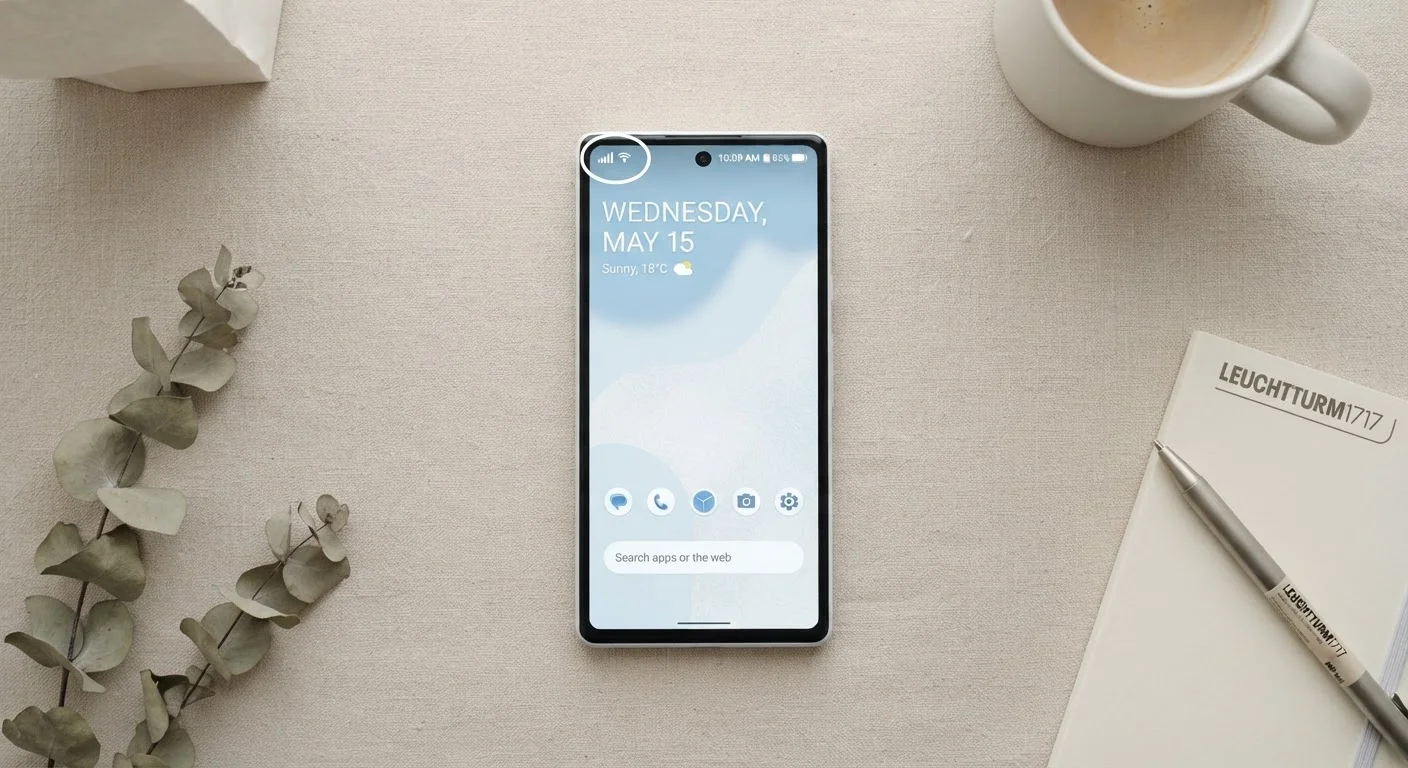
Photo credit: SearchLynk.net | Search Made Easier
In this article
Your phone switches between 5G and Wi-Fi calling constantly. Understand the difference and what it means for call quality.
Key Takeaways
- 5G calling relies on your carrier's cellular network; Wi-Fi calling routes voice traffic over any internet connection.
- Wi-Fi calling is most valuable indoors where walls block cellular signals, not as a daily replacement for 5G.
- Call quality depends on the strength of whichever connection your phone is actively using - not the label on the icon.
- Both technologies must be supported by your phone, your carrier plan, and - for Wi-Fi calling - your router.
- Your phone can hand off between the two mid-call on carriers that support Voice over LTE/5G and Wi-Fi handover.
What Each Technology Actually Does
When you place a call on a modern smartphone, your voice data has to travel somewhere. 5G calling - technically called Voice over NR (New Radio) or sometimes VoNR - transmits that voice data entirely over your carrier's 5G cellular network, the same infrastructure that handles your mobile data. It's an evolution of Voice over LTE (VoLTE), which became the standard on 4G networks.
Wi-Fi calling, by contrast, routes your voice traffic over any available internet connection - your home broadband, an office network, or a public hotspot. Your phone essentially creates a secure tunnel to your carrier's network through the internet, so the call still shows up as coming from your regular phone number. Neither technology is new, but understanding what each one relies on helps explain why each one sometimes fails.
For a broader look at how cellular data tiers work alongside these voice protocols, see the explanation of 4G LTE, 5G Sub-6, and mmWave speeds.
| Criterion | 5G Calling | Wi-Fi Calling |
|---|---|---|
| Signal source | Carrier's cellular network | Any internet connection |
| Best environment | Outdoors, good coverage areas | Indoors, weak cellular signal |
| Requires home internet | No | Yes |
| Uses phone number | Yes | Yes |
| Emergency 911 accuracy | Automatic via tower location | Requires registered address on file |
| Setup required | Minimal - carrier-managed | Must be enabled in phone settings |
| International use | Roaming rates typically apply | May use domestic rates (plan-dependent) |
| Sensitive to home network issues | No | Yes |
When Your Phone Chooses One Over the Other
Your phone makes this choice automatically, and the logic is straightforward: Wi-Fi calling activates when cellular signal drops below a usable threshold and a known Wi-Fi network is available. Most phones prioritize cellular when both signals are strong, because carriers have direct quality-of-service controls over their own networks that they can't exercise over your home router.
The practical consequence is that Wi-Fi calling is predominantly an indoor coverage fix, not a general upgrade. Office buildings, basements, and older concrete structures absorb radio frequencies that 5G relies on, particularly the higher-frequency mmWave bands. In those environments, flipping to Wi-Fi calling can be the difference between a clear conversation and a dropped call.
~30-100 Kbps
Bandwidth a voice call typically uses
Voice calls are far less data-hungry than streaming video; quality issues usually trace to latency or packet loss, not raw speed.
72%
U.S. adults who experience indoor signal gaps
A 2023 CTIA industry report noted that building material and density remain primary drivers of indoor cellular coverage complaints.
One nuance worth knowing: some carriers support seamless handover - your phone begins a call on Wi-Fi, then transitions to 5G as you walk outside without the call dropping. This feature requires carrier support and a compatible device; it isn't universal. Check your carrier's documentation or the wireless plan jargon glossary if you're unsure what your plan includes.
Call Quality: What Actually Affects It
The icon in your status bar - whether it reads "5G" or "Wi-Fi" - tells you the pathway, not the quality. What actually determines how a call sounds is the strength and stability of whichever connection is active.
A 5G call in a fringe coverage area with one bar of signal will sound worse than a Wi-Fi call on a solid 50 Mbps home connection. Conversely, a congested or throttled home network during peak evening hours can introduce latency and choppiness that a stable 5G signal wouldn't. Voice calls require very little raw bandwidth - roughly 30-100 Kbps depending on the codec - but they are sensitive to latency (delay) and packet loss (data that doesn't arrive). Both pathways can suffer from either problem under the right conditions.
If your Wi-Fi calls consistently sound choppy, the issue is usually your home network's performance rather than Wi-Fi calling as a concept. Common culprits include router placement, network congestion, or an older router that doesn't prioritize voice traffic. For context on separating internet myths from facts, the common home internet myths article addresses several related misconceptions about how home networks actually work.
Setup, Compatibility, and What to Check
Both technologies require a compatible phone and an enabled carrier plan. Most phones sold in the United States in the past several years support both VoLTE/VoNR and Wi-Fi calling, but the features must be activated on your account - they aren't always on by default. You can typically toggle Wi-Fi calling in your phone's settings under the Phone or Connections menu.
A few practical checks worth making:
- Wi-Fi calling requires your carrier to have your registered address on file for emergency 911 services, since a Wi-Fi connection doesn't automatically reveal your location the way a cell tower does.
- 5G calling (VoNR) may fall back to LTE voice on networks where 5G data infrastructure is present but VoNR isn't yet fully deployed - this is common and normal.
- Some older router firmware can interfere with Wi-Fi calling; keeping your router updated reduces the risk.
Understanding these features is particularly useful when evaluating phone plans. The phone plan features guide covers how to map your actual usage habits to what a plan offers, including voice-over-Wi-Fi support.
Wi-Fi Calling and 911: An Important Detail
When you call 911 over Wi-Fi calling, the dispatcher receives your registered address - not your real-time location. If you frequently use Wi-Fi calling from different locations (a vacation rental, for example), be prepared to verbally confirm your location. Most carriers prompt you to keep this address current in your account settings. Always verify how your specific carrier handles this before relying on Wi-Fi calling in an emergency.

Author
Tech & Telecom Editorial Team
Tech & Telecom Editorial Team is the collective byline for our editorial team and contributor network. Articles published under this byline or an editorial pen name are researched, written, and reviewed according to our editorial standards for clarity, consistency, and independence before publication.
View all articles →