
Internet Speed Numbers Demystified: Mbps, Gbps, Upload, Download, and Latency
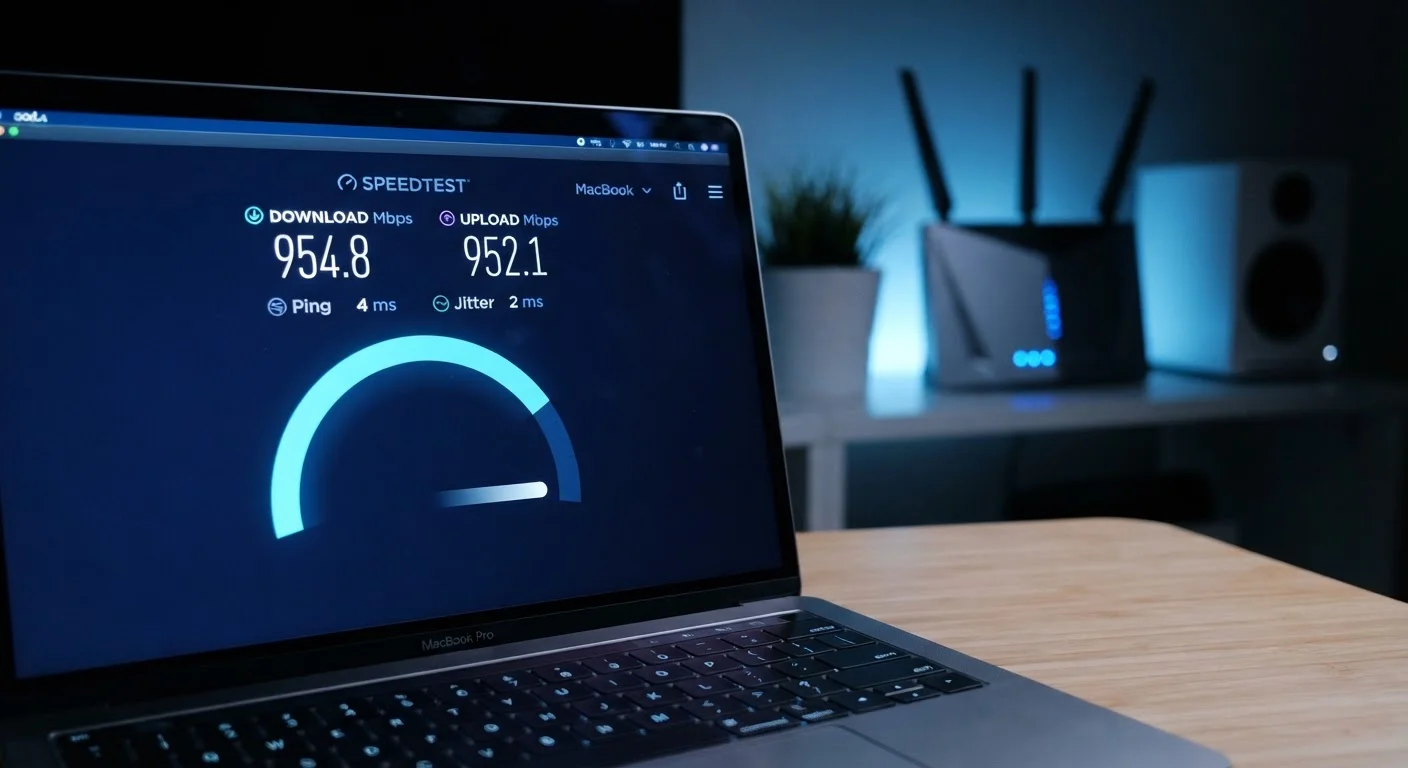
Photo credit: SearchLynk.net | Search Made Easier
In this article
25 Mbps, 1 Gbps, ping, latency — what do these figures mean for streaming, gaming, and video calls? A clear breakdown.
The Basic Units: Mbps and Gbps Explained
When a carrier advertises an internet plan, the speed figure almost always ends in Mbps or Gbps. These abbreviations stand for megabits per second and gigabits per second, respectively. Both measure how much data can travel across your connection in one second.
A bit is the smallest unit of digital data - a single 0 or 1. Eight bits make one byte, which is the unit most people recognize from file sizes (kilobytes, megabytes, gigabytes). This distinction matters: your file sizes are measured in bytes, but your internet speed is measured in bits. That means a plan advertised at 100 Mbps delivers roughly 12.5 megabytes per second of actual file data - not 100 megabytes.
The relationship between Mbps and Gbps is straightforward: 1 Gbps equals 1,000 Mbps. Gigabit plans have become more widely available through fiber networks and are often marketed as suitable for households with many connected devices. For context on how different connection types deliver these speeds, see our overview of home internet types.
| 1 Gbps equals | 1,000 Mbps |
| Bits to bytes conversion | 8 bits = 1 byte |
| Typical 4K streaming requirement | ~25 Mbps per stream (General industry guideline) |
| Target ping for online gaming | Under 50 ms (competitive: under 20 ms) |
| Traditional satellite internet latency | 600 ms or more |
| HD video call upload need | ~3-4 Mbps per participant (General industry guideline) |
Download vs. Upload: They Are Not the Same
Download speed measures how fast data travels from the internet to your device - loading a webpage, streaming a movie, or receiving a file all draw on download capacity. Upload speed measures the reverse: data leaving your device toward the internet. Video calls, cloud backups, and sharing large files all consume upload bandwidth.
Most residential plans are asymmetric, meaning download speeds are significantly higher than upload speeds. A plan described as 300 Mbps may deliver only 10-20 Mbps of upload. This design reflects typical household usage patterns, where downloading dominates. However, households with remote workers, content creators, or frequent video callers often find that a low upload speed becomes a bottleneck even when downloads feel fast.
Fiber internet connections are more commonly offered as symmetric - identical download and upload speeds - which is one reason they are considered advantageous for work-from-home environments.
Mbps
Megabits per second - the most common unit for measuring internet speed. One megabit equals one million bits. Note that bits and bytes are different; file sizes use bytes, so 8 Mbps delivers roughly 1 megabyte per second of data.
Gbps
Gigabits per second. One Gbps equals 1,000 Mbps. Gigabit plans are increasingly available through fiber internet providers and support households with many simultaneously active devices.
Download Speed
The rate at which data travels from the internet to your device. Streaming video, loading webpages, and receiving files all use download bandwidth.
Upload Speed
The rate at which data travels from your device to the internet. Video calls, cloud backups, and file sharing all depend on upload capacity.
Latency (Ping)
The time in milliseconds it takes a data packet to make a round trip between your device and a server. Lower latency means a more responsive connection, which is especially important for gaming and video calls.
Jitter
The inconsistency or variation in latency over time. High jitter can cause choppy audio or video on calls and streams even when average ping seems acceptable.
Symmetric Connection
An internet connection where download and upload speeds are equal. Fiber plans are more commonly offered as symmetric; most cable and DSL plans are asymmetric with much slower upload speeds.
Bandwidth
The maximum data capacity of a connection, measured in Mbps or Gbps. All devices on a network share available bandwidth simultaneously, so more active users means less capacity per device.
Latency, Ping, and Why They Matter for Gaming and Calls
Latency - commonly measured as ping - describes the time it takes for a small packet of data to travel from your device to a server and back. It is expressed in milliseconds (ms). Unlike Mbps, latency is not about volume of data; it is about reaction time.
A lower ping means a more responsive connection. For most everyday browsing and streaming, latency below 100 ms is generally acceptable. Online gaming is more sensitive: many players aim for under 50 ms, and competitive gaming typically targets under 20 ms. Video conferencing is also latency-sensitive - high ping can cause the familiar half-second delay that makes conversations feel awkward.
Satellite internet connections historically carry latency of 600 ms or more due to the physical distance signals must travel to orbit. Newer low-Earth orbit satellite networks have reduced this significantly, though they still tend to run higher than cable or fiber. Jitter - the variation in latency over time - is a related concept that affects call and stream quality even when average ping looks fine.
If your connection regularly underperforms relative to what you pay for, our guide on why home internet feels slower than advertised explains common culprits.
Putting the Numbers in Context
Speed figures on their own don't tell the full story. A household running four simultaneous 4K streams, a video call, and several smart devices will experience that 100 Mbps plan very differently than a single user who primarily browses. Bandwidth is shared across every active device on your network simultaneously.
25 Mbps
FCC minimum broadband download threshold
The U.S. Federal Communications Commission defines broadband as a connection delivering at least 25 Mbps download and 3 Mbps upload, though many households need considerably more.
8×
Bits-to-bytes multiplier
Because speeds are measured in bits and file sizes in bytes, a 100 Mbps connection transfers roughly 12.5 megabytes of file data per second - a common source of consumer confusion.
<20 ms
Ping target for competitive online gaming
Most gaming platforms and internet guides suggest latency below 20 milliseconds for competitive real-time gameplay, though casual gaming is generally comfortable under 100 ms.
It is also worth recognizing that advertised speeds represent a ceiling, not a guarantee. Network congestion, router quality, Wi-Fi signal strength, and the type of connection all affect the speed that actually reaches your devices. Understanding shared vs. dedicated bandwidth can help explain why the same plan performs differently at different times of day.
Once you understand what these numbers mean, the logical next step is matching them to your household's actual usage. Our guide to estimating the right speed tier walks through that process by activity type and device count.

Author
Tech & Telecom Editorial Team
Tech & Telecom Editorial Team is the collective byline for our editorial team and contributor network. Articles published under this byline or an editorial pen name are researched, written, and reviewed according to our editorial standards for clarity, consistency, and independence before publication.
View all articles →