
Getting the Most Out of Your Home Network: Router Placement, Security, and Performance Habits
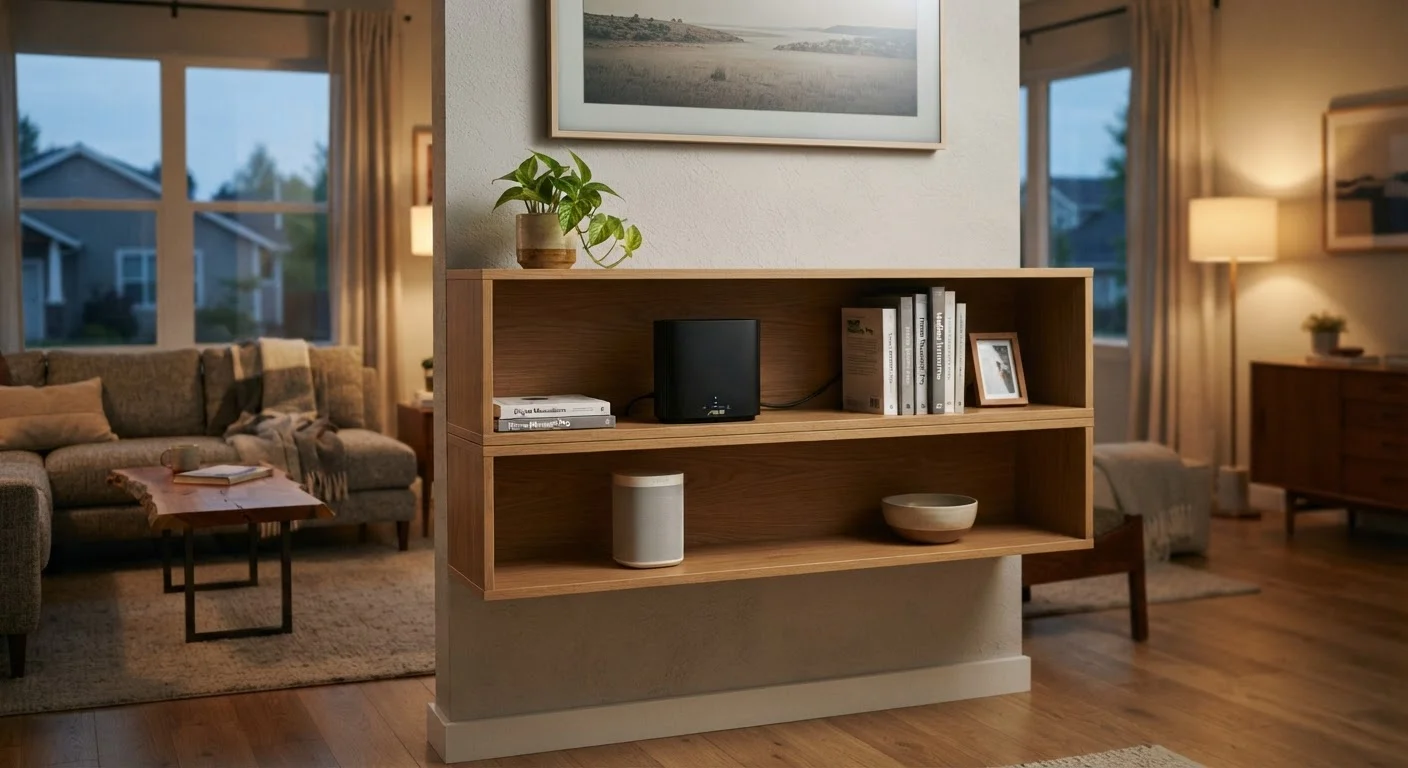
Photo credit: SearchLynk.net | Search Made Easier
In this article
Good internet service is only part of the equation. These practical habits help you get reliable, secure Wi-Fi from every corner of your home.
Key Takeaways
- Router placement has a direct impact on signal strength, coverage, and dead zones throughout your home.
- Changing default router credentials and enabling WPA3 encryption are among the most important security steps you can take.
- Rebooting your router periodically and keeping firmware updated maintains consistent performance over time.
- Separating smart home devices onto a guest network reduces security risk without sacrificing convenience.
Why Router Placement Is the First Thing to Get Right
Most people plug in their router wherever the technician drilled the cable entry point - usually a corner of the basement or a back bedroom - and leave it there indefinitely. That single decision shapes every Wi-Fi experience in the home, from video calls to smart devices.
Wi-Fi signals radiate outward in roughly all directions, so a router tucked in one corner of the house loses half its usable range immediately. The practical fix is to position the router as close to the physical center of your home as possible, and elevated - on a shelf or table rather than on the floor, where signal absorption is highest.
Physical barriers matter too. Thick concrete or brick walls, large mirrors, and appliances like microwaves and cordless phone bases can all degrade signal quality. Keeping the router in open air, away from dense materials and competing electronics, consistently improves reach.
If your home is large or has multiple floors, a single router may not be enough. Mesh networking systems - where multiple nodes work together as one unified network - are a practical solution for extending reliable coverage without the hassle of manually switching between networks as you move around.
Before investing in additional hardware, it's worth understanding whether your connection speed itself is the bottleneck. See our guide to estimating the right speed tier for your household for a practical starting point.
Security Habits That Protect Everyone on Your Network
Home routers ship with default usernames and passwords that are publicly documented - in some cases, they're printed right on the device. Leaving these defaults in place is one of the most common and consequential oversights in home networking.
Changing the router's admin login credentials (accessed through its settings page, typically at an address like 192.168.1.1) takes about two minutes and immediately closes a well-known vulnerability. Similarly, renaming your Wi-Fi network (SSID) to something that doesn't identify your device model or household helps avoid opportunistic targeting.
Encryption standard matters. If your router's settings show WEP or WPA as the security mode, update to WPA2 or WPA3 if your equipment supports it. WPA3 is the current standard and offers meaningfully stronger protection, particularly on public-facing networks.
For households with smart home devices, a separate guest network is a straightforward protective measure. Because many connected devices - thermostats, cameras, smart speakers - have weaker built-in security, isolating them from your primary devices limits the damage if any one of them is compromised. Our article on what smart home devices actually require to work covers the infrastructure side of this in more detail.
Performance Habits That Are Easy to Overlook
Even a well-placed, properly secured router benefits from routine maintenance. Firmware updates - pushed by the manufacturer - patch security vulnerabilities and sometimes improve performance. Most modern routers can apply these automatically, but it's worth confirming that feature is enabled in your settings.
Periodic reboots clear temporary memory, reset connections, and can resolve sluggish performance that builds up over days or weeks of continuous operation. A monthly reboot is a reasonable habit for most households; some users connect their router to a smart outlet and schedule an automatic overnight restart.
Channel congestion is another overlooked factor, particularly in apartment buildings or densely populated neighborhoods. Routers operating on the 2.4 GHz band share a limited number of channels with neighbors' networks. Switching to the 5 GHz band (available on dual-band routers) generally offers faster speeds at shorter range, while 2.4 GHz provides better range through walls. Many modern routers handle band selection automatically, but manually assigning bandwidth-hungry devices - like a streaming TV or a gaming console - to the 5 GHz band can reduce interference.
Finally, the number of devices connected simultaneously affects available bandwidth. If you're experiencing slowdowns, reviewing which devices are connected - and disconnecting ones no longer in use - can help. For more on how device count affects your overall needs, common setup missteps that affect long-term performance are worth reviewing before adding more hardware.
When a New Router May Be the Answer
If your router is more than five to six years old, it may not support current encryption standards, dual-band operation, or automatic firmware updates. Older hardware can also be a bottleneck even when your internet service plan provides faster speeds. Check your router's model number against the manufacturer's current support pages to see whether security updates are still being issued - if they're not, replacement is worth considering.

Author
Tech & Telecom Editorial Team
Tech & Telecom Editorial Team is the collective byline for our editorial team and contributor network. Articles published under this byline or an editorial pen name are researched, written, and reviewed according to our editorial standards for clarity, consistency, and independence before publication.
View all articles →