
Data Caps on Home Internet: What They Are and How They Affect Real Usage
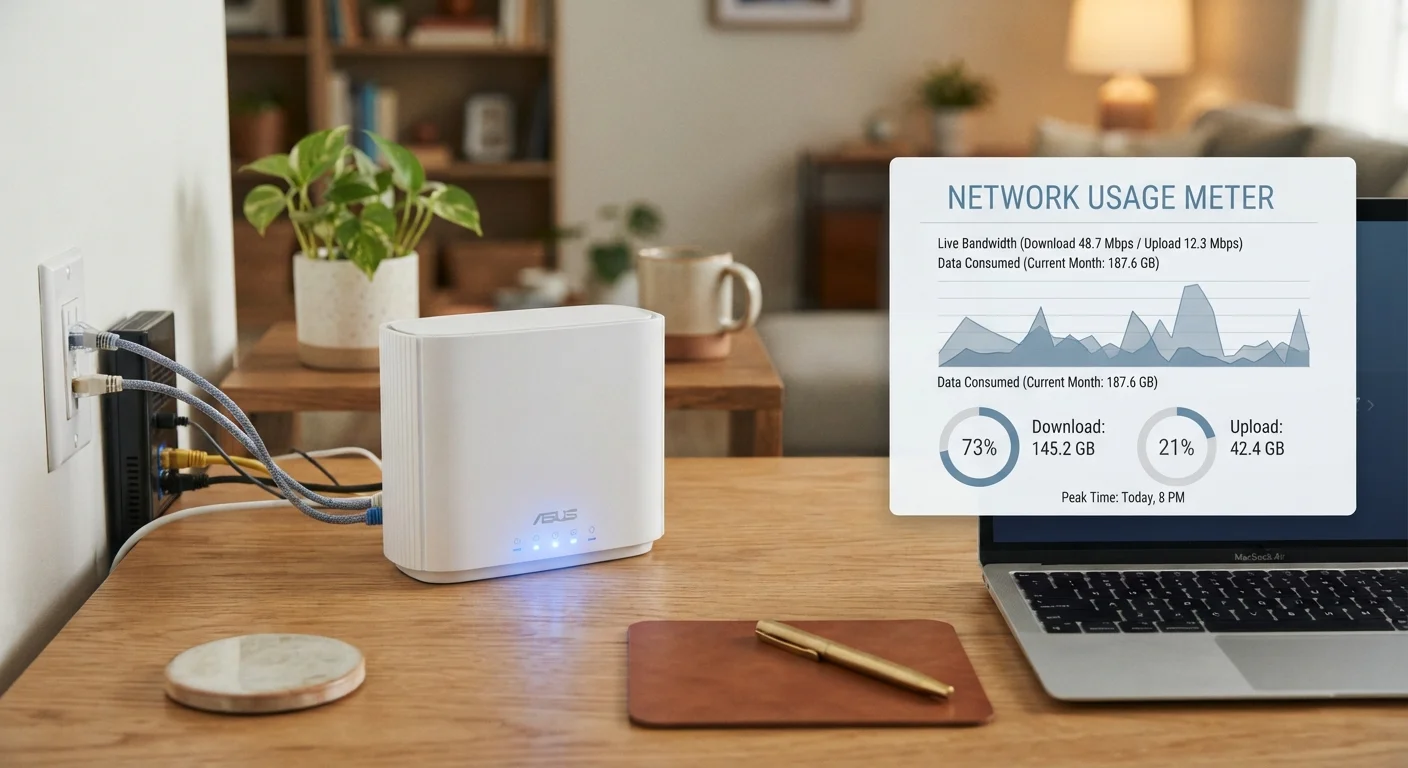
Photo credit: SearchLynk.net | Search Made Easier
In this article
Many ISPs impose monthly data limits. Find out how data caps work, what triggers overage fees, and how to track your household's consumption.
Key Takeaways
- Data caps limit monthly internet usage, and exceeding them can trigger extra charges or speed throttling.
- Streaming video and video conferencing are among the largest data consumers in a typical home.
- Not all ISPs impose data caps - fiber providers are more likely to offer truly unlimited plans.
- Most ISPs provide online tools or apps to monitor your monthly usage in real time.
- Households with multiple users and smart devices are most at risk of hitting monthly limits.
What a Data Cap Actually Measures
Every time you load a webpage, stream a show, send an email, or update an app, your devices are exchanging data with servers across the internet. A data cap places a ceiling on the total volume of that exchange within a billing month. When you reach the cap, your ISP responds in one of several ways - charging overage fees, slowing your connection, or both.
Data volume is measured in gigabytes (GB) and terabytes (TB). One terabyte equals 1,000 gigabytes. To put that in perspective, a single hour of 4K streaming can consume 7 GB or more, while a standard video call might use 1-2 GB per hour. Understanding how data is measured helps you evaluate whether a plan's cap is realistic for your household's habits.
For a broader look at how internet plans are structured and what terminology like "bandwidth" really means, see Home Internet Explained.
~4 TB
Estimated monthly data used by heaviest home users
Research from Openvault and similar broadband analytics firms has found that the top tier of residential subscribers - so-called "power users" - can exceed several terabytes monthly.
7+ GB
Data consumed per hour of 4K streaming
Estimates from streaming platform documentation and ISP usage guides consistently place 4K streaming among the most data-intensive common household activities.
1 TB
Common monthly cap on major cable internet plans
Several large U.S. cable internet providers have standardized around a 1 TB monthly data threshold before overage charges apply, though policies vary by provider and region.
Which Activities Use the Most Data
Not all online activities are equal when it comes to data consumption. Some use a trickle; others can drain hundreds of gigabytes in a month. Here's a general breakdown of common household activities:
- 4K video streaming: 7-25 GB per hour, depending on the platform and compression
- HD video streaming: 3-5 GB per hour
- Video calls (HD): 1-2 GB per hour
- Online gaming: 40-300 MB per hour for active play (large game downloads are far higher)
- Music streaming: 50-150 MB per hour
- Web browsing and email: typically under 100 MB per hour
- Smart home devices: variable, but continuous background traffic adds up
The number of simultaneous users matters just as much as individual habits. If four people in a household are each streaming, video calling, or gaming at the same time, data consumption multiplies accordingly. For guidance on how to think about your household's overall bandwidth needs, this guide to estimating the right speed tier is a useful companion resource.
How ISPs Handle Overage - and What to Watch For
ISPs handle data caps differently, and the fine print varies considerably. Common approaches include:
- Hard cutoff: Your connection is suspended or severely throttled until the billing cycle resets or you pay for more data.
- Overage fees: You're charged a set fee - often a flat rate per additional block of data, such as $10 per 50 GB - automatically added to your bill.
- Soft throttling: Speeds are reduced significantly after the cap is reached but the connection isn't cut off.
- Data add-ons: Some providers let you purchase extra data in advance or on demand to avoid interruption.
Certain ISPs also offer "unlimited" plans at a higher price tier, though it's worth reading the details carefully. The word "unlimited" doesn't always mean what it implies. What 'Unlimited' Really Means on a Phone Plan explores this pattern in the mobile context, but similar nuances appear in home internet contracts.
Set a Usage Alert Before the Billing Cycle Ends
Most ISPs allow you to configure alerts when you reach 75% or 90% of your monthly data cap. Setting these thresholds early in your billing cycle gives you time to adjust habits - like lowering streaming quality or postponing large downloads - rather than being caught off guard by an overage charge on your bill.
How to Track and Manage Your Household's Usage
The most effective way to avoid surprise overage charges is to monitor usage throughout the month, not just at the end. Most ISPs provide a usage dashboard through their website or mobile app, often showing a running total of gigabytes consumed versus your monthly cap. Setting up email or text alerts - available through many provider account portals - can notify you when you approach a defined threshold.
Beyond monitoring, several practical habits can reduce consumption:
- Lower streaming resolution settings in apps when 4K isn't necessary
- Download large files, software updates, and game patches during off-peak hours if your ISP tracks timing
- Audit connected smart-home devices; some continuously transmit data in the background
- Use your router's built-in traffic monitoring tools if available
If your household consistently approaches or exceeds your cap, it may indicate a mismatch between your plan and your actual usage patterns. Common Myths About Home Internet addresses some misunderstandings readers often carry into plan decisions - worth reviewing before your next renewal.
Frequently Asked Questions

Author
Tech & Telecom Editorial Team
Tech & Telecom Editorial Team is the collective byline for our editorial team and contributor network. Articles published under this byline or an editorial pen name are researched, written, and reviewed according to our editorial standards for clarity, consistency, and independence before publication.
View all articles →