
Before You Sell or Trade In Your Old Phone, Do These Things
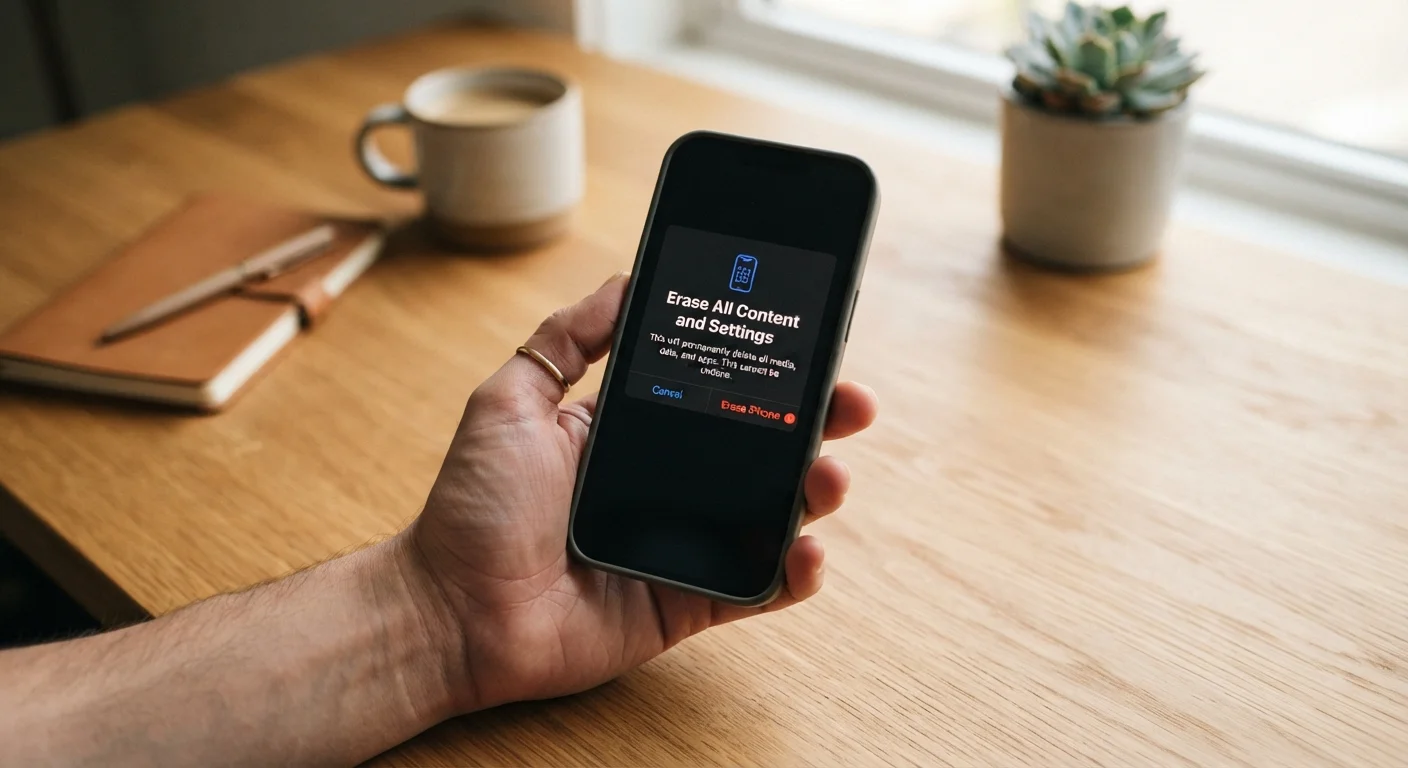
Photo credit: SearchLynk.net | Search Made Easier
In this article
A practical checklist for wiping data, signing out of accounts, and preparing your device so your personal information stays protected.
Key Takeaways
- Back up your data before doing anything else - once you reset, it cannot be recovered.
- Sign out of every cloud account, including Apple ID or Google, before handing the phone over.
- Disable Find My / Find My Device so the next owner can fully activate the phone.
- A factory reset alone may not be enough - encryption adds an important layer of protection.
- Remove SIM cards and memory cards before the phone leaves your hands.
Why Preparation Matters More Than You Think
Selling or trading in a smartphone feels straightforward - hand it over, get credit or cash, move on. But modern phones hold far more personal information than most people realize: saved passwords, payment methods, email and messaging history, health data, photos, and app credentials can all persist on a device long after a casual wipe. If that data reaches someone with the wrong intentions, the consequences can range from account takeovers to identity theft.
The good news is that a systematic approach - done in the right order - dramatically reduces that risk. This checklist walks you through every meaningful step, from backing up your data to confirming the device is clean before it leaves your hands. If you're also switching carriers at the same time, run through the carrier checklist before completing the handoff, since unlocking and porting steps overlap with this process.
Back Up Your Data
Sign Out of Accounts and Services
Handle Physical Components
Perform and Verify the Factory Reset
Tools You'll Need Before You Start
You don't need anything sophisticated, but having these ready in advance will keep the process smooth and prevent you from discovering a missing piece halfway through.
Cloud storage account (iCloud, Google Photos, or similar)
Used to back up photos, contacts, and app data before wiping the device.
Computer or secondary device
Allows you to verify backup completion and access account security settings during the process.
SIM card removal tool or paperclip
Needed to eject the SIM tray on most modern smartphones.
Authenticator app backup codes
If you use two-factor authentication via an app, backup codes let you regain access after switching devices.
Original charging cable and adapter
Ensures the device stays powered through the backup and reset process, which can take 20-40 minutes.
A Note on Factory Resets and Encryption
A factory reset removes your files and accounts, but the underlying data may still be recoverable using forensic software - particularly on older Android devices that do not encrypt storage by default. Modern iPhones (running iOS 8 and later) and most Android phones released after 2015 encrypt data by default, which means a factory reset effectively renders the remaining data unreadable. However, it is worth confirming your device's encryption status in its security settings before relying on that assumption.
Encryption Status Can Vary by Device Age
Not all Android devices manufactured before 2016 encrypt storage by default. If you're selling an older Android phone, navigate to Settings > Security and look for an 'Encrypt phone' or 'Encryption & credentials' option. If the device has not been encrypted, consider doing so before running the factory reset - it makes the remaining data substantially harder to recover. iPhones have encrypted storage by default since iOS 8, so this step is typically not required for Apple devices.
For a deeper look at the security settings worth enabling well before you reach the trade-in stage, see our guide on device security settings most users never turn on.
Skipping Find My Disablement Locks Out the Buyer
If you sell or trade in a device with Find My iPhone or Find My Device still active, the recipient will be unable to set up or use the phone - this is an intentional anti-theft measure built into the operating system. Carriers and trade-in programs may also reject or reduce the value of the device for this reason. Always disable this feature from within your account settings before handing the device over.
After the Handoff
Once the device is gone, take a few minutes to confirm nothing was overlooked. Check that your email, social, and cloud accounts no longer list the old device as active. Many services - including Google, Apple, and Microsoft - show connected devices in account security settings; remove the old phone from that list if it still appears.
If you sold the phone privately rather than through a carrier trade-in program, consider monitoring your key accounts over the following week for any unexpected login attempts. Most account security dashboards will show recent login locations and device types.
If you're planning to buy a replacement device online, review these seller and return policy considerations before completing the purchase - especially if buying a refurbished model from a third-party seller. And if you're thinking about holding onto your next phone longer before the next upgrade cycle, these habits can help a smartphone last four or five years without significant performance decline.

Author
Tech & Telecom Editorial Team
Tech & Telecom Editorial Team is the collective byline for our editorial team and contributor network. Articles published under this byline or an editorial pen name are researched, written, and reviewed according to our editorial standards for clarity, consistency, and independence before publication.
View all articles →